
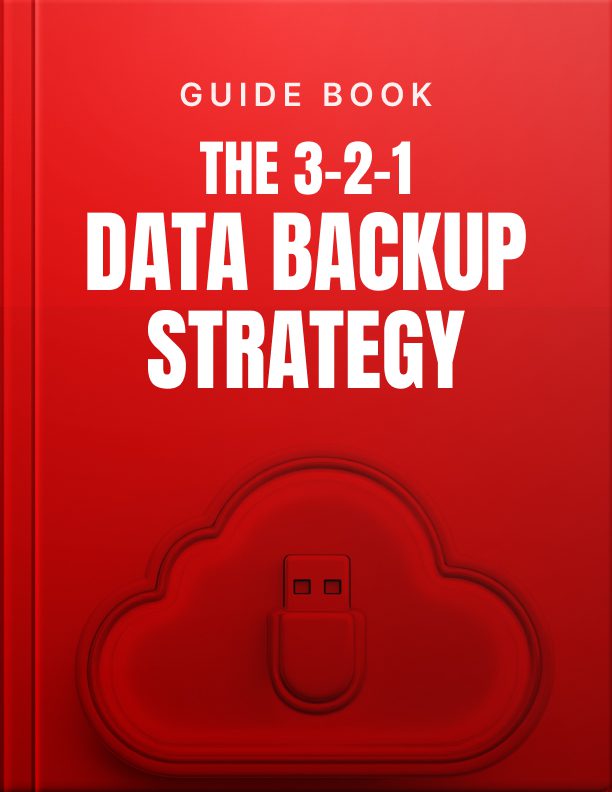


The 3-2-1 Data Backup Strategy
This 3-2-1 Data Backup Strategy guide helps you protect your important digital files by offering clear, actionable steps for setting up the trusted 3-2-1 backup method. It provides a simple plan for keeping data safe by creating multiple backups across different locations and devices, helping prevent data loss from accidents, hacks, or device failures.
What’s Inside:
- 3-2-1 Strategy Explained: Learn how to keep 3 copies of data, use 2 different storage types, and store 1 copy offsite.
- Backup Planning Basics: Tips on choosing what files to back up and how often.
- Tool and Storage Selection: Help choosing between cloud storage, external drives, and NAS systems.
- Step-by-Step Setup: Easy instructions to follow, no matter the device or system.
- Extra Protection Tips: Ways to add more security to backups with encryption and air-gapped storage.
- Emergency Recovery Advice: What to do if something goes wrong and how to restore lost files.
Equip yourself with this 3-2-1 Data Backup Strategy guide that empowers you to take control of your digital safety. Whether you’re protecting family photos, business documents, or creative work, this guide offers a smart strategy for long-term data security and peace of mind.
Data loss happens to everyone eventually. A coffee spill on your laptop, a ransomware attack, a stolen device, or simply accidental deletion… any of these can instantly erase irreplaceable files, memories, and critical information. The question isn’t if you’ll face data loss, but when and how prepared you’ll be when it happens.
The 3-2-1 backup strategy represents the gold standard for data protection, endorsed by cybersecurity experts worldwide. This approach involves maintaining three copies of important data, storing them on two different types of media, with one copy kept off-site or in the cloud. This strategy protects against virtually every failure scenario: device failure (covered by local backup), local disasters like fire or flood (covered by offsite backup), and ransomware (covered by offline or versioned backups).
In this guide, I’ll walk you through implementing this powerful protection system in a way that’s automatic, reliable, and tailored to your specific needs. Whether you’re a student protecting research papers, a small business owner safeguarding client files, or a parent preserving irreplaceable family photos and videos.
By the end of this guide, you’ll have:
- Identified and prioritized your most important data
- Implemented automated backup systems that run with minimal intervention
- Created redundancies that protect against multiple failure scenarios
- Established a verification routine to ensure your backups actually work
- Built peace of mind knowing your digital life is protected
Let’s turn the 3-2-1 backup strategy from concept into reality.
The information provided in this ebook is intended solely for educational and informational purposes. The author does not accept any responsibility for the outcomes that may arise from the application of the material within. While efforts have been made to ensure the accuracy and relevance of the content, the author cannot be held accountable for any errors or omissions or for any consequences resulting from the use or misuse of the information provided. The responsibility for any actions taken based on the information in this ebook lies solely with the reader.
Related products
$5.00
$5.00
$5.00
$5.00
$5.00
$5.00







Reviews
There are no reviews yet.